
AI PSD Generator — Prompt to Layered PSD
Describe the image and pick an aspect ratio; the generator draws it for 8 credits. Then send it to the HD layer splitter, which names every layer and builds a PSD for Photoshop, Photopea, GIMP or Affinity, at 7 credits per layer it returns.
Presets
Aspect ratio
Runs need an account and credits (8 per run). Failed runs are refunded automatically.
Step 2: Split it into layers (HD)
The HD splitter picks 2–17 layers and names each one. We hold up to 119 credits, charge 7 per layer returned and refund the rest.
Generate an image first, then split it here.
Example
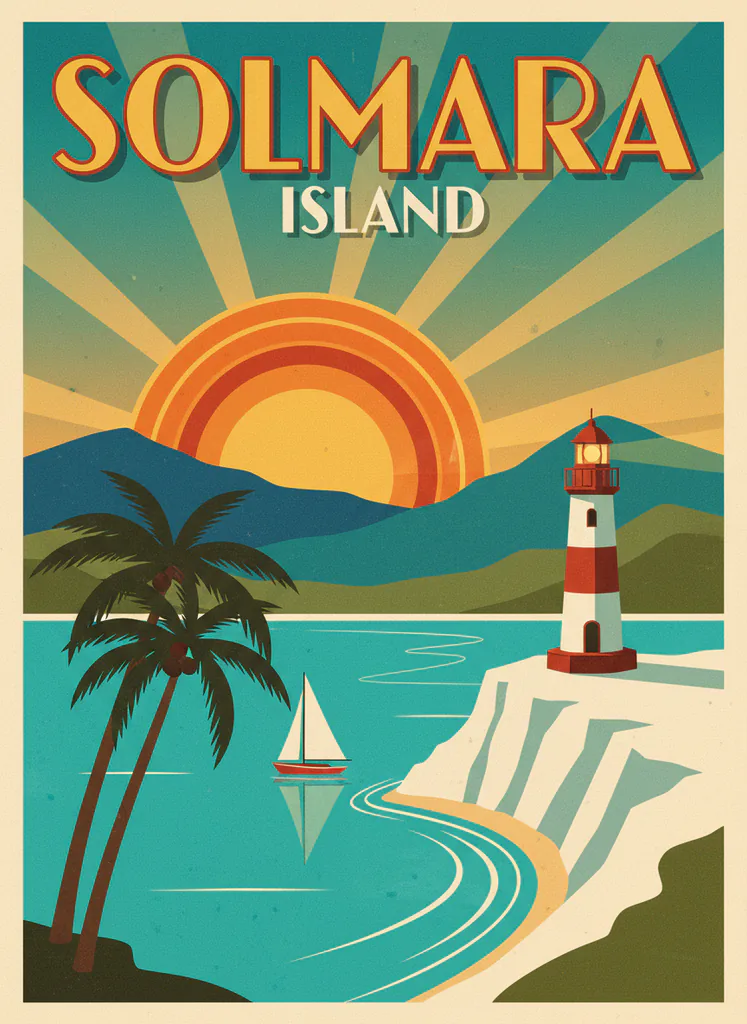 AI-generated example · Nano Banana
Prompt: “Retro travel poster for an invented island called Solmara, artwork filling the whole frame: a turquoise bay with a white lighthouse on a cliff, two palm trees, a red sailboat, layered teal hills and a big setting sun with rays, bold art-deco headline "SOLMARA" at the top and the word "ISLAND" in cream letters below it, limited warm palette, screen-print texture, no border, no other text, no watermark.”
How it works
From prompt to layered PSD in three steps
Generate first, then split. You can stop after step one and keep just the image.
Step 1
Write a prompt
Describe the scene and choose an aspect ratio (1:1, 4:3, 3:4, 16:9, 9:16). Generating one image costs 8 credits.
Step 2
Split it into layers (HD)
Seedream 5.0 Pro Layerize picks 2–17 layers and names each one. We hold up to 119 credits, charge 7 per layer returned and refund the rest.
Step 3
Preview and download
Explore the stack in flat, 3D or parallax view, then download a layered PSD or a ZIP of aligned, transparent PNGs.
Real result
An AI PSD generator example, layer by layer
This image was generated from the prompt shown, then split by the HD model. Toggle layers, switch views or download the PSD.
Prompt
“Retro travel poster for an invented island called Solmara, artwork filling the whole frame: a turquoise bay with a white lighthouse on a cliff, two palm trees, a red sailboat, layered teal hills and a big setting sun with rays, bold art-deco headline "SOLMARA" at the top and the word "ISLAND" in cream letters below it, limited warm palette, screen-print texture, no border, no other text, no watermark.”
- Image model
- Nano Banana
- Layer model
- Seedream 5.0 Pro Layerize
- Layers
- 11
- Split time
- 97 s
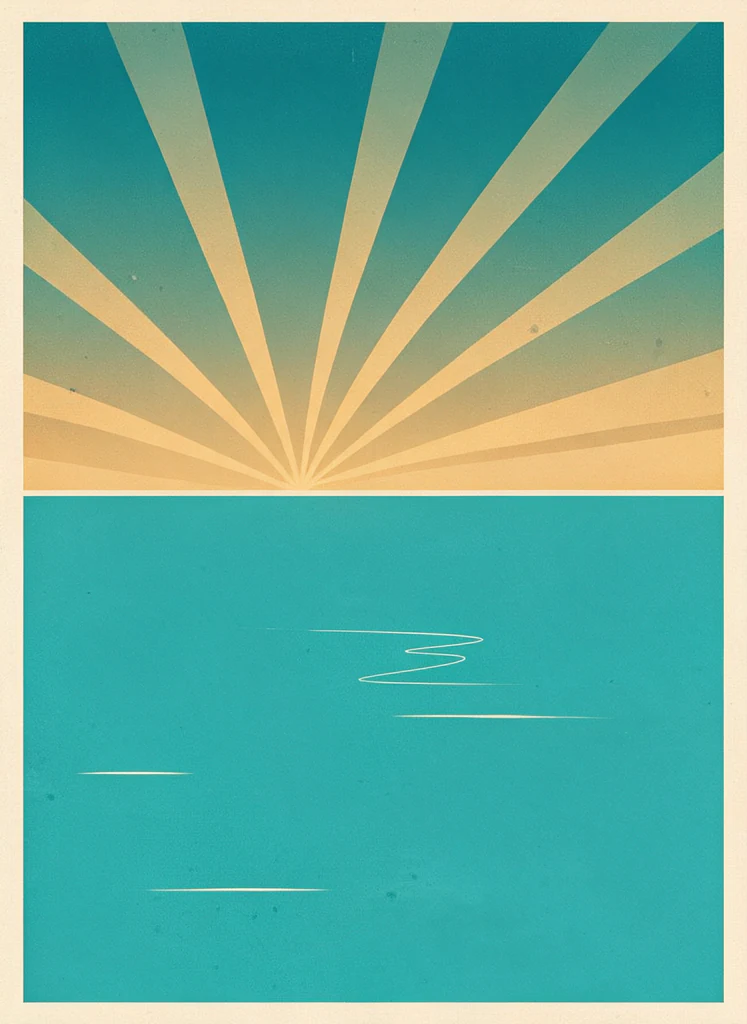
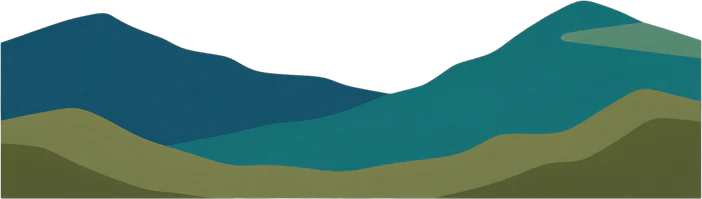
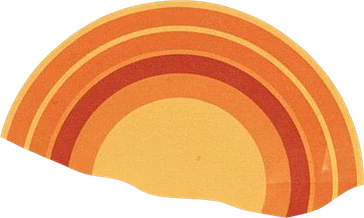

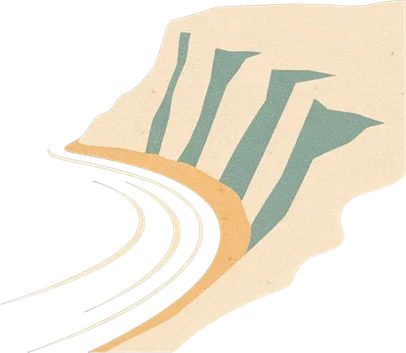
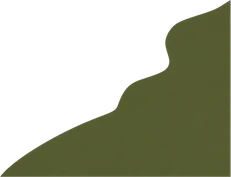

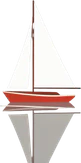
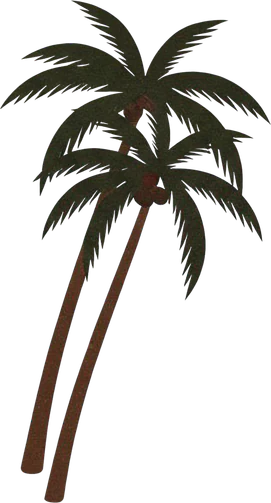
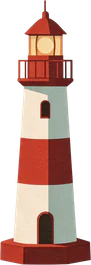
Layers11
Every PNG is full-canvas, so the layers line up.
Prompt tips
Prompt tips for clean, separate layers
The splitter can only pull apart what the image keeps apart. These habits give it more to work with.
Name the parts
List what you want as layers: “a bottle, a stone plinth, two leaves, a pastel gradient background”.
Leave space between elements
Ask for clear gaps. Heavy overlap makes neighboring objects harder to separate.
Prefer clean styles
Flat vector, illustration and studio product looks split more cleanly than smoke, glass or fine hair.
Keep text short and big
Generated lettering can be misspelled, and it arrives as pixels on its own layer, not live type. Retype it in your editor if needed.
Pick the final shape first
9:16 for stories, 16:9 for banners, 1:1 for posts. Changing shape later means generating again.
Simple backgrounds for subjects
If you mainly need the subject, a plain or gradient background gives the cleanest edges.
Honest limits
What the AI PSD generator does well, and where it struggles
Two models work one after the other, so the result depends on both the image and the split.
Works well
- Posters, ads and banners built from a few big elements
- Flat illustrations and vector-style scenes
- Product shots on simple backgrounds
- Characters and mascots on plain backgrounds
- Layered landscapes for parallax and motion
Struggles with
- Long or small text: it can be misspelled, and it arrives as pixels
- Glass, smoke, fog and fine hair
- Crowded scenes with heavy overlap
- Logos, trademarks or characters you do not own; leave them out of prompts
- Print-size files: the HD base layer is up to 1536 px on the long edge
Knowing this saves credits: generating and splitting are charged separately, and only failed runs are refunded.
FAQ
AI PSD generator FAQ
What it makes, what it costs and what is inside the PSD.
Still have a question?
Write to us and we'll get back to you: support@images2layers.com
Two things, one after the other: an image from your prompt (Nano Banana, 8 credits), then a layered PSD from that image (Seedream 5.0 Pro Layerize, 7 credits per layer it returns). You can stop after the first step and download just the image.
The image costs 8 credits. For the split we hold up to 119 credits, charge 7 per layer returned and refund the rest, so a 8-layer result costs 56 credits and the whole run 64. Failed runs are refunded automatically.
Yes. The HD model names each layer after what it shows, such as “Title text”, “Palm tree” or “Background”, and the names carry into the PSD.
No. Text arrives as pixels on its own layer, not as live type. Hide that layer and retype the words in your editor if you need to change them.
The HD split’s base layer is up to 1536 px on the long edge. That suits web, social and presentations; it is not print resolution.
Yes. Upload it to the image-to-layers tool instead and skip the generation step and its credits.
Photoshop, Photopea, GIMP, Affinity and Krita. The PNG ZIP holds every layer as a full-size, transparent PNG, aligned to the others, for tools that do not read PSD files.
Yes. Outputs carry no watermark and are yours to use. Do not prompt for trademarks, logos or characters you do not have the rights to.
Go from a prompt to a layered PSD
Write a prompt, generate the image for 8 credits and split it into named layers you can open in Photoshop, Photopea or GIMP. Failed runs are refunded automatically.