
Real layers, named by the model
Each layer the model returns becomes its own pixel layer at full opacity with a normal blend mode. HD layers keep the names the model gave them, like “Title text” or “Perfume bottle”; Standard layers are numbered.
Click or drag an image here
Sign in to upload your image
Try with an example
Model
Picks 2–17 layers and names them · 7 credits per layer
We hold up to 119 credits, charge 7 per layer returned and refund the rest.





Inside the file
These are real stacks from our own HD runs on AI-generated images. Each one exports as the PSD format file you would download: same layers, same names, same order. Fan them out in 3D or download them; no account needed.
Layers11
Every PNG is full-canvas, so the layers line up.
AI-generated exampleSeedream 5.0 Pro Layerize · 11 layers · 90 s
The file
Changing a file extension does not create layers. Rename a JPG to .psd and most editors refuse to open it; a plain format conversion gives you one flat layer. Here the picture is separated first, so the PSD format file holds several real layers instead of one.
Each layer the model returns becomes its own pixel layer at full opacity with a normal blend mode. HD layers keep the names the model gave them, like “Title text” or “Perfume bottle”; Standard layers are numbered.
The background sits at the bottom and every layer above it composites on top, each in the exact spot it held in the picture. Hide the upper layers and the painted-in background shows through.
The document also carries a flattened composite of the stack, so file browsers and apps that read only the composite still show the finished picture.
PSD is the native Photoshop document format. A PNG or JPG stores one grid of pixels; a PSD format file stores a stack of layers, each with its own transparency, name and place in the order. This page builds one from a flat image by separating it into layers first.
Step by step
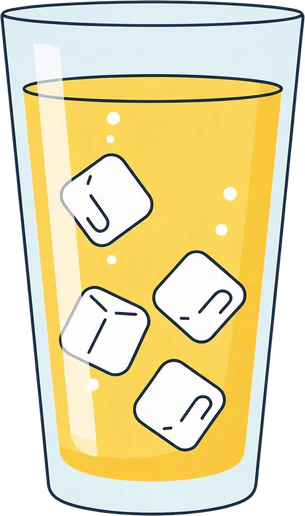
The example is an AI-generated poster we ran through the HD model. The list shows three of the named layers it returned; in the PSD they sit in the same order, with the background at the bottom.
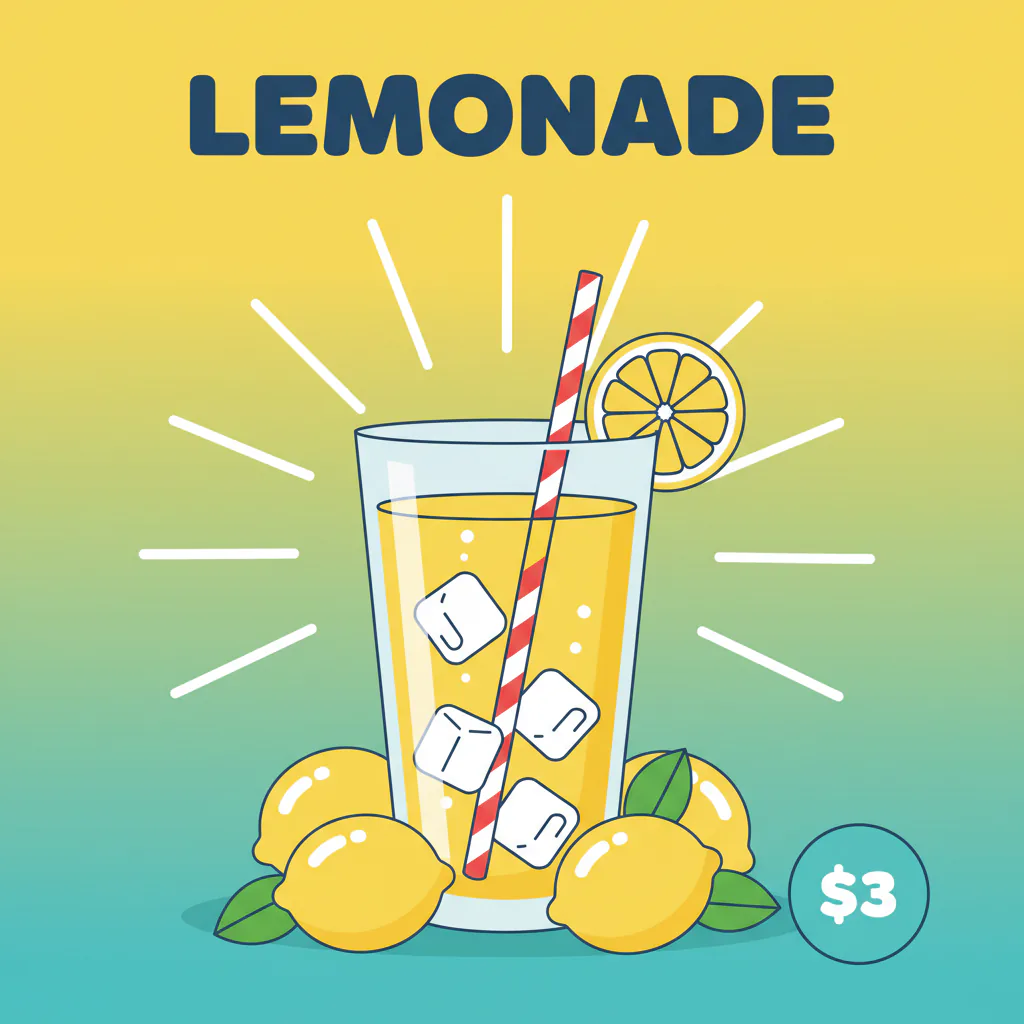 OriginalAI-generated example
Layers returned
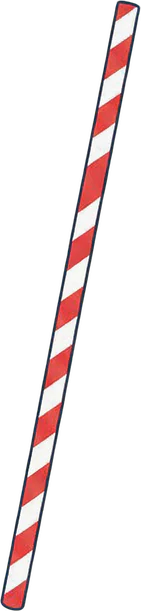
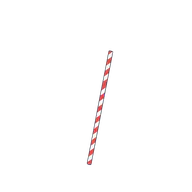 Red and white striped straw
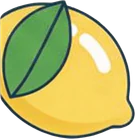
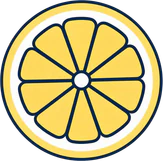
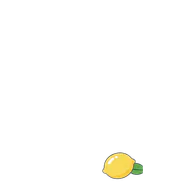 Whole lemon right front
 Background
+ 8 more layers in the stack
Sign in and add one image of up to 12 MB. Posters, ads, product shots and illustrations are the most rewarding to turn into layers.
HD picks the layer count and names each layer, at 7 credits per layer returned. Standard splits into the 2–8 layers you choose for 10 credits a run. Most runs take one to two minutes, and failed runs are refunded automatically.
Preview the layers, then choose the PSD download. Your browser packs them into one file that opens in Photoshop, Photopea, GIMP, Affinity or Krita.
Upload formats
PNG, JPG and WebP uploads all end up in the same kind of layered document; only the quality of the source changes what to expect.
PNG is lossless, so crisp edges and flat colors reach the model intact. Graphics, screenshots and illustrations saved as PNG are often the cleanest files to turn into a layered PSD. WebP images saved from websites convert the same way.
JPG compression softens edges and adds blocky noise, which can blur the boundary between objects. Use the highest-quality JPG you have; photos with a clear subject still separate well.
If you just want a PNG or JPG wrapped in a PSD, with no separation, our PNG to PSD converter does that in your browser: one layer per file, transparency and size kept, nothing uploaded and no credits spent. Use the AI split when you need real layers.
Take the PSD when the stack travels as one document to a designer or client, and the PNG ZIP when each layer goes into a different tool. The ZIP holds the same layers as full-canvas PNGs that line up.
Know before you run
The file holds whatever the split produced. These sources give the cleanest stacks; these need the most cleanup afterwards.
Every layer in the file is a pixel layer: text arrives as pixels and shapes are not vectors. Knowing this saves credits.
File details
Yes. PSD, short for Photoshop Document, is the format Photoshop saves by default. Photopea, GIMP, Affinity and Krita open it too, which is what makes it a practical handoff format.
Upload the PNG, start an HD run and, when the preview looks right, download the PSD. A plain format conversion gives you a single layer; separating the image first is what produces several.
For a single-layer PSD, yes: our PNG to PSD converter also takes JPG and WebP, runs in your browser and never uploads the file. For real, separated layers you need the AI split: 7 credits per layer with HD, or 10 credits per Standard run.
JPG, PNG and WebP, up to 12 MB per image. HEIC, TIFF, AVIF and other formats are rejected, so re-save those as PNG or JPG first.
Photoshop, Photopea, GIMP, Affinity and Krita all open it with the layers intact. Photopea and our PSD viewer run in a web browser, handy on a computer without Photoshop.
With HD, each layer keeps the name the model gave it, such as “Title text”; Standard layers are numbered. The background sits at the bottom and every layer above it sits where it was in the picture, so the stack recreates the original.
No. Text the model separates arrives as pixels on its own layer, not live type, and shapes are pixels, not vectors. Retype changed wording in your editor.
With HD the canvas is up to 1536 px on the long edge; with Standard about 640 × 640 px. It does not keep the full resolution of a larger upload, so it is not a way to get a print-size file.
A JPG stores one compressed picture. A PSD stores every layer plus a flattened preview, so a few layers can add up to several times the size of the upload. That is normal for the format.
Yes. Each layer keeps its alpha channel, so areas where that part of the picture is absent stay transparent instead of turning white.
No. PSB exists for documents wider or taller than 30,000 pixels or larger than 2 GB. Files from this tool are far below those limits, so the standard PSD format is all you need.
HD costs 7 credits per layer it returns; the run holds up to 119 credits (at least 28 are needed to start) and refunds the unused part when it finishes. Standard costs 10 credits per run. New accounts start with 0 credits, failed runs are refunded automatically and the file has no watermark.
Sign in, upload a PNG, JPG or WebP of up to 12 MB and let the HD model separate and name the layers. Preview the stack, then download the layered file with no watermark.