
Character off the background
The figure comes away from scenery and foreground effects and gets its own layer in the anime PSD, often with hair, accessories or a held prop on separate layers. Ready to move, flip or reuse after some edge cleanup.
Click or drag an image here
Sign in to upload your image
Try with an example
Model
Picks 2–17 layers and names them · 7 credits per layer
We hold up to 119 credits, charge 7 per layer returned and refund the rest.




Real runs
The first example is an original anime-style character we generated for this page, split by our HD model. Turn the stack in 3D or parallax to see how far the layers go, and where a rig would need more.
Layers8
Every PNG is full-canvas, so the layers line up.
AI-generated exampleSeedream 5.0 Pro Layerize · 8 layers · 90 s
Anime art layers
Most people who want an anime PSD are after the same stack: the character on one layer, props or effects on others, and a background plate underneath. The AI makes that first cut and names each layer, so you start from a sorted stack instead of a flat picture.
The figure comes away from scenery and foreground effects and gets its own layer in the anime PSD, often with hair, accessories or a held prop on separate layers. Ready to move, flip or reuse after some edge cleanup.
The background usually comes back with the area behind the character painted in, so one still becomes a stack of planes for a camera drift, a short loop or a visual novel scene. Try it in the parallax preview first.
The rough cut around hair, costume edges and props happens automatically. Your time goes into refining the edges people will see and cutting finer parts, not masking the whole figure from scratch.
Sign in, upload a JPG, PNG or WebP of up to 12 MB and start an HD run. In about one to two minutes you get named, transparent layers, usually character, props and background, which you export as a layered anime PSD or a ZIP of PNGs. HD costs 7 credits per layer it returns.
How it works
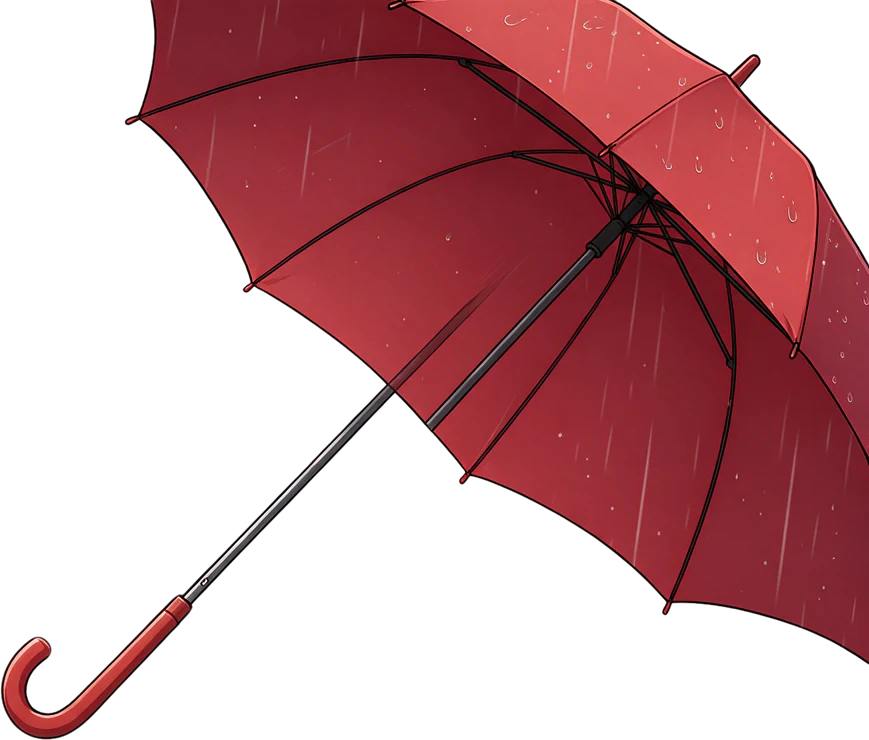
The example is our own AI-generated character, run once through HD; the list shows three of the named layers it returned. Each layer holds a whole part, such as the character or a prop, not the separate eyes, brows and mouth a rig needs.
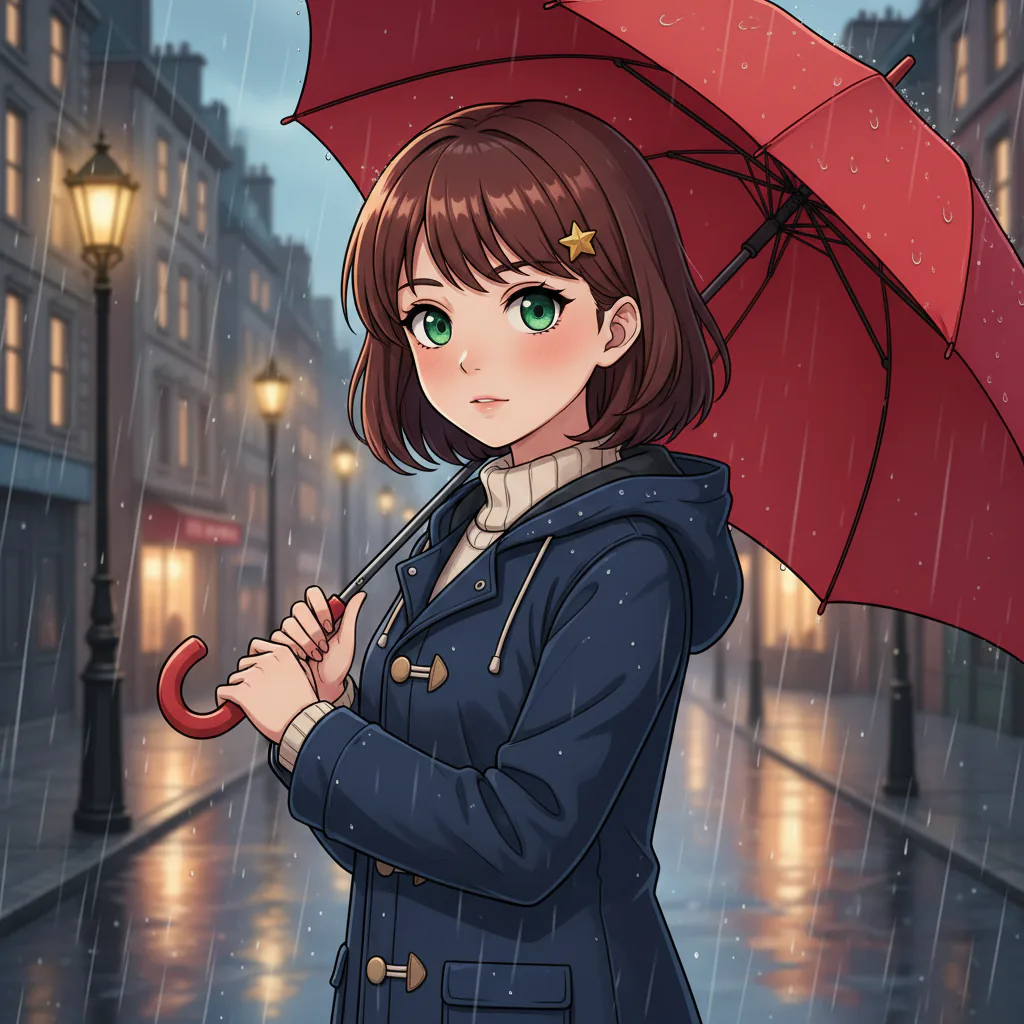 OriginalAI-generated example
Layers returned
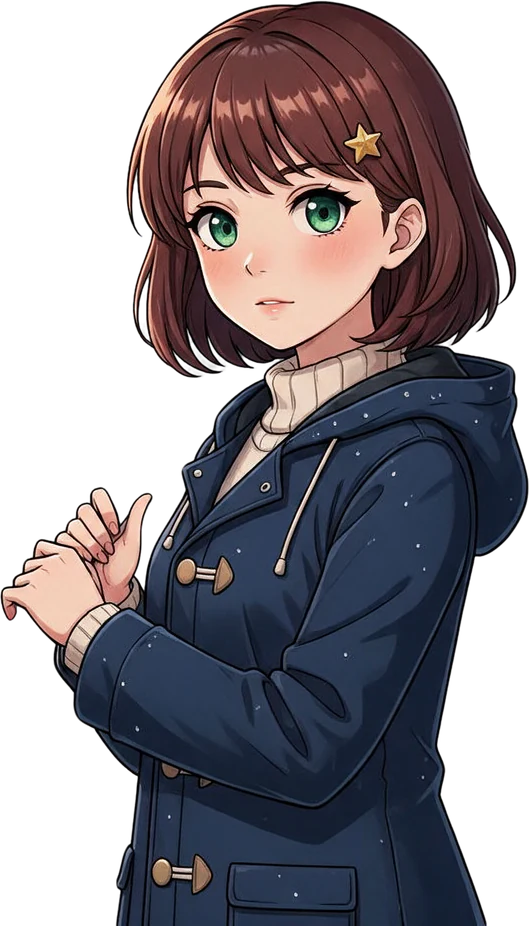
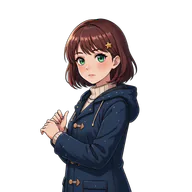 Anime girl main body
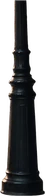
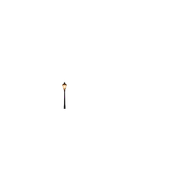 First left distant street lamp
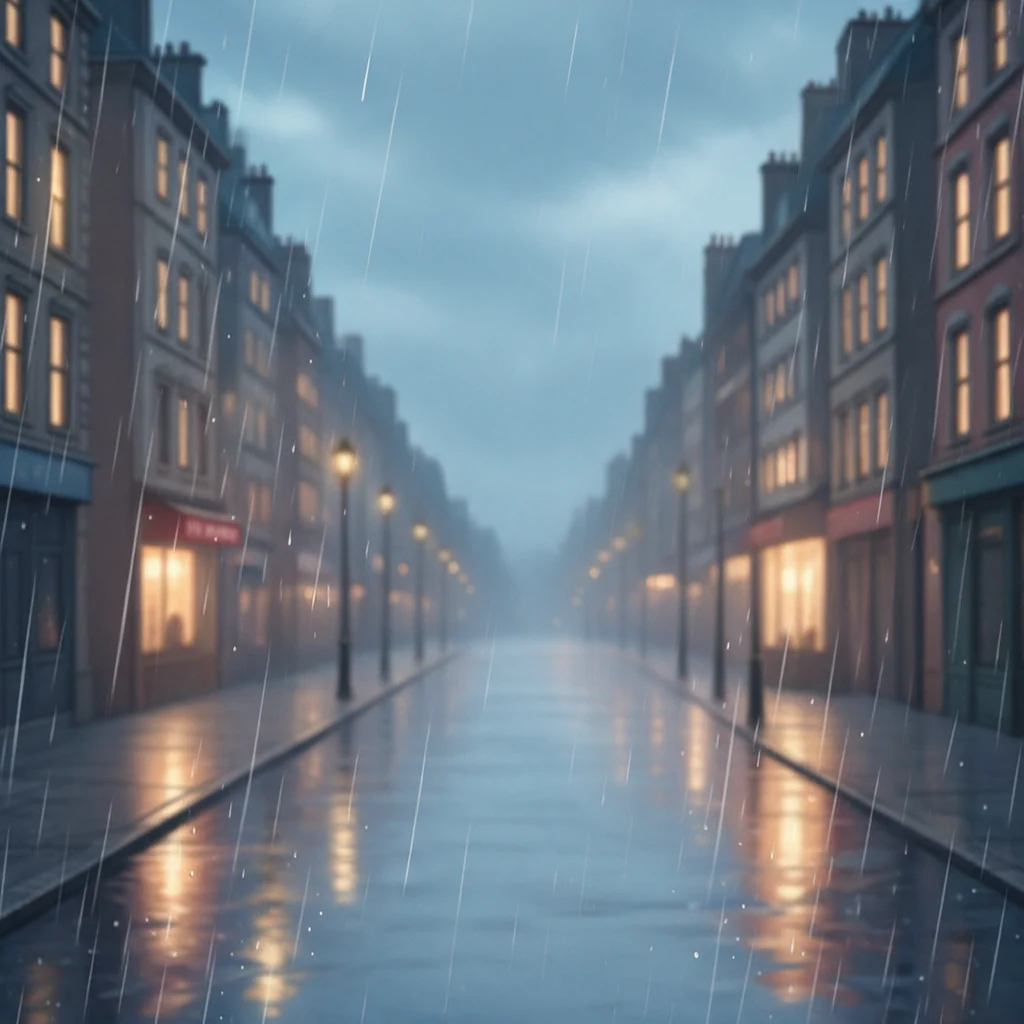
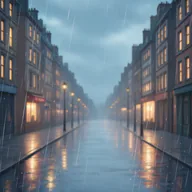 Background
+ 5 more layers in the stack
Sign in and upload an illustration, a single comic panel or an AI-generated anime scene of up to 12 MB. One clear character with some visible depth works best.
HD picks the layer count, from 2 to 17, and names each layer, at 7 credits per layer returned. Standard splits into the 2–8 layers you choose for 10 credits a run, at about 640 × 640 px.
Preview the layers in 3D or parallax, then download a layered PSD for Photoshop, Krita, Photopea, GIMP or Affinity, or a ZIP of PNGs. No watermark.
Use cases
A layered anime PSD is rarely the finished piece. It is the base for a parallax shot, a sprite or a model, and each needs its own cleanup.
Live2D Cubism Editor only guarantees PSDs saved from Photoshop or CLIP STUDIO PAINT, so re-save the file there first, and a riggable model needs much finer parts: front and back hair, eyes, brows and mouth, with hidden areas painted in. Use the layers as a sorted base to cut up and repaint, not as a finished Live2D PSD.
Move the background, character and props at different speeds in any video or animation tool, and a single still picks up depth. Preview the effect in the parallax view before you download.
A character on its own transparent layer is most of a sprite or a prototype game asset. Clean the hair edges, keep the background for the scene, and draw new expressions yourself.
Split one panel into characters, foreground shapes and background art to recrop it, recolor an outfit or repaint the sky, using art you drew or have permission to reuse.
Know before you run
Knowing the limits saves a wasted run. Check your image and end use against these two lists first.
You get new layers rebuilt from the finished image, not the artist’s original lineart or color layers. Treat the anime PSD as a starting point for rigging, not a full parts sheet.
FAQ
A Photoshop document that stores an anime illustration as a stack of layers instead of one flat picture. Hand-painted files usually separate lineart, colors and shading. An anime PSD made from a finished image is split by object instead, such as the character, props and background.
Sign in, upload the image and start an HD run. It usually takes one to two minutes. Preview each named layer, then download the anime PSD or a ZIP of transparent PNGs.
Yes, as a base. Re-save it from Photoshop or CLIP STUDIO PAINT before importing it into Live2D Cubism Editor, and expect to cut finer parts: a riggable Live2D PSD needs far finer parts than an AI split returns: front and back hair, eyes, brows and mouth on their own layers, with hidden areas painted in. Nothing here rigs a model for you.
Re-save the PSD from Photoshop or CLIP STUDIO PAINT (the editors Live2D supports), then drag it into the modeling view of Live2D Cubism Editor. Each layer becomes its own ArtMesh, so the layer breakdown decides what you can deform. Finish cutting, repainting and naming layers in a painting app first.
Hair or accessories sometimes get a layer of their own with HD, but eyes, brows and mouths usually stay on the character layer. Expect large parts, such as the character, a held prop and the background, and cut face parts by hand.
Usually. The background layer tends to come back with that area painted in, so you can move the character without leaving a hole. Busy scenes can show smudges or repeated patterns, so check that layer before you animate.
HD decides, between 2 and 17, depending on how many distinct parts it sees, and charges 7 credits per layer. With Standard you choose: 2 for a simple character-and-background split for parallax, 4 when there are props or effects; 5 to 8 need a subscription.
Photoshop, Krita, GIMP, Affinity and the browser-based Photopea open it with layers intact; for Live2D Cubism Editor, re-save it from Photoshop or CLIP STUDIO PAINT first. Every layer sits in its original position on one canvas. If an app cannot read PSD, use the PNG ZIP.
With HD the canvas is up to 1536 px on the long edge; with Standard about 640 × 640 px. That suits sprites, motion tests and rig prototypes. For print, repaint or upscale in another app, since the tool does not upscale.
It works best on one panel or illustration with a clear subject. A full manga page with several panels, speech bubbles and screentone is too much to separate cleanly, so crop to one panel first. Lettering comes out as pixels, not editable text.
Yes. Generated anime scenes are often good inputs, with one clear subject and a simple background. You can generate one with our AI PSD generator and send it straight to the split, or upload art made elsewhere.
HD costs 7 credits per layer returned; the run holds up to 119 credits and refunds the rest when it finishes. Standard costs 10 credits per run. New accounts start with 0 credits, failed runs are refunded automatically, and neither the PSD nor the PNG ZIP carries a watermark.
Yes, as long as you own the rights to what you upload. Splitting an image does not change who owns it: fan art of existing characters stays subject to the owner’s rights, so check before selling anything made from it.
Sign in, upload a JPG, PNG or WebP and let HD split and name the layers. Preview them in 3D or parallax, then download a layered anime PSD or a PNG ZIP with no watermark.